
Roofing Invoices That Go From Job Close to Cash in Hours
Generate branded invoices the moment a job is complete. Accept payments via credit card, ACH, or financing. Track every dollar from proposal to final payment.
Everything You Need to Get Paid
One-Click Invoice from Estimate
Convert approved estimates to invoices instantly. All line items, materials, and labor transfer automatically.
Online Payment Portal
Customers pay via a secure branded link. Accept Visa, Mastercard, ACH bank transfer, and financing.
Automated Payment Reminders
Set follow-up sequences that send reminders at 3, 7, and 14 days overdue. Reduce manual chasing.
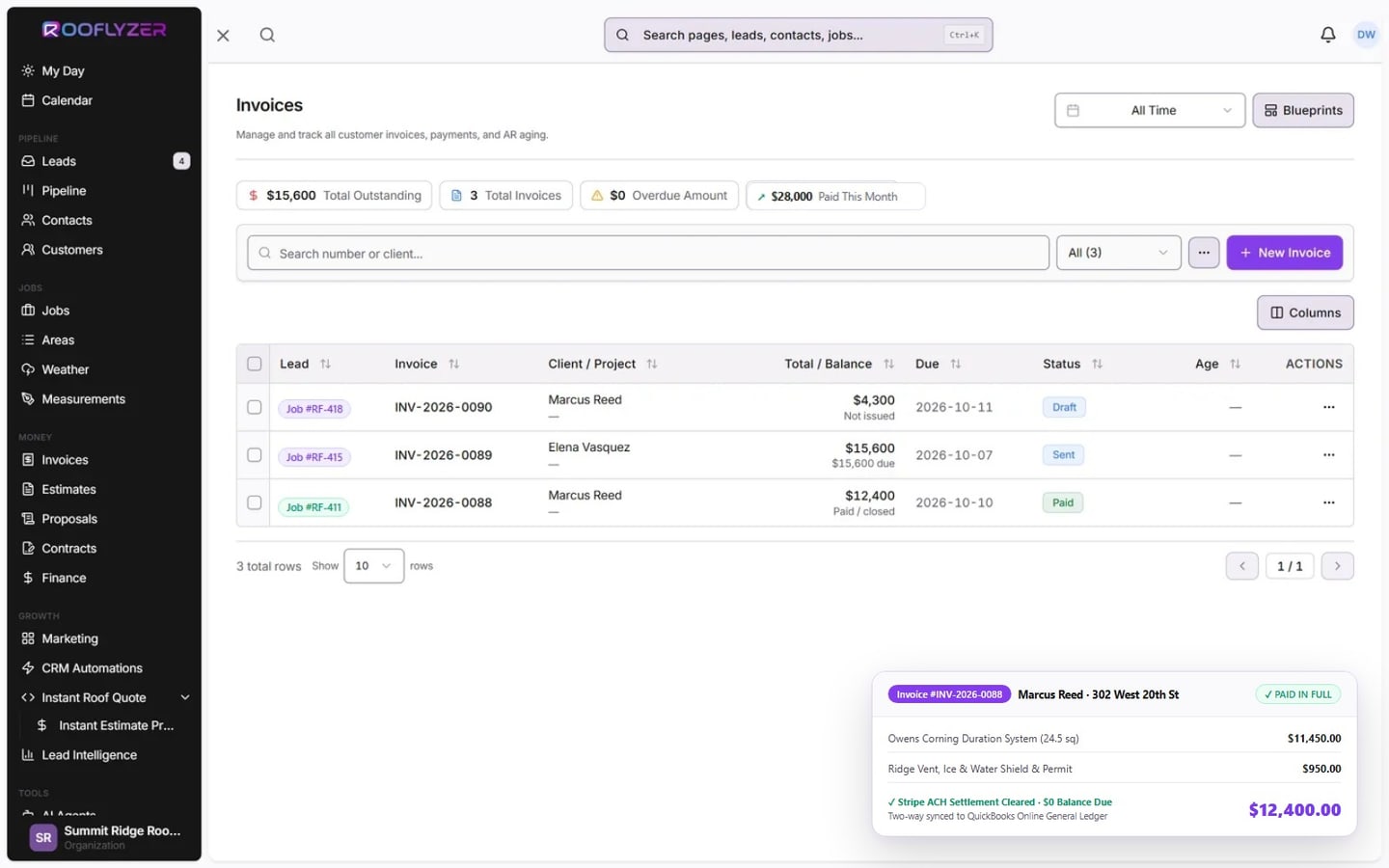
Accounts Receivable Dashboard
See every outstanding invoice, total owed, and aging buckets at a glance across all your jobs.
Partial Payments & Deposits
Collect deposits at signing and final payment at completion. Track balances and payment history automatically.
Multi-Job Client Billing
Bill a single customer across multiple properties or jobs with consolidated statements.
The Old Way
- ✕Print or PDF invoices emailed manually
- ✕Customers mail checks — waits days or weeks
- ✕Chase overdue invoices by phone call
- ✕Reconcile payments in spreadsheets
- ✕No visibility into what's owed until month end
The Rooflyzer Way
- Digital invoices delivered via secure link instantly
- Customers pay online in minutes from any device
- Automated reminders chase overdue invoices for you
- Real-time payment tracking in your dashboard
- Live accounts receivable across all active jobs
What getting paid looks like
Frequently Asked Questions
What payment methods do customers use?
Can I send invoices from the job site?
Does Rooflyzer handle deposits?
Can I brand my invoices?
Does Rooflyzer integrate with QuickBooks?
Ready to Get Paid Faster?
Join roofing contractors who switched from paper invoices to branded, trackable ones.